FANUC Series30i /31i /32i -MODEL A Machine Operation Menu Tool, Operator 's Manual Additional Manual Page 5
Additional Manual
Edit
App
rvDesi
g
.
5
/
14
Date
Design
Descri
p
tion
Data
FANUC Series30i /31i /32i -MODEL A
Machine Operation Menu Tool
O
p
erato
r
's Manual
A
-79935E/01
March.09.2005
S.Sa
g
ara
Page
Title
Draw
No.
H.Yamada
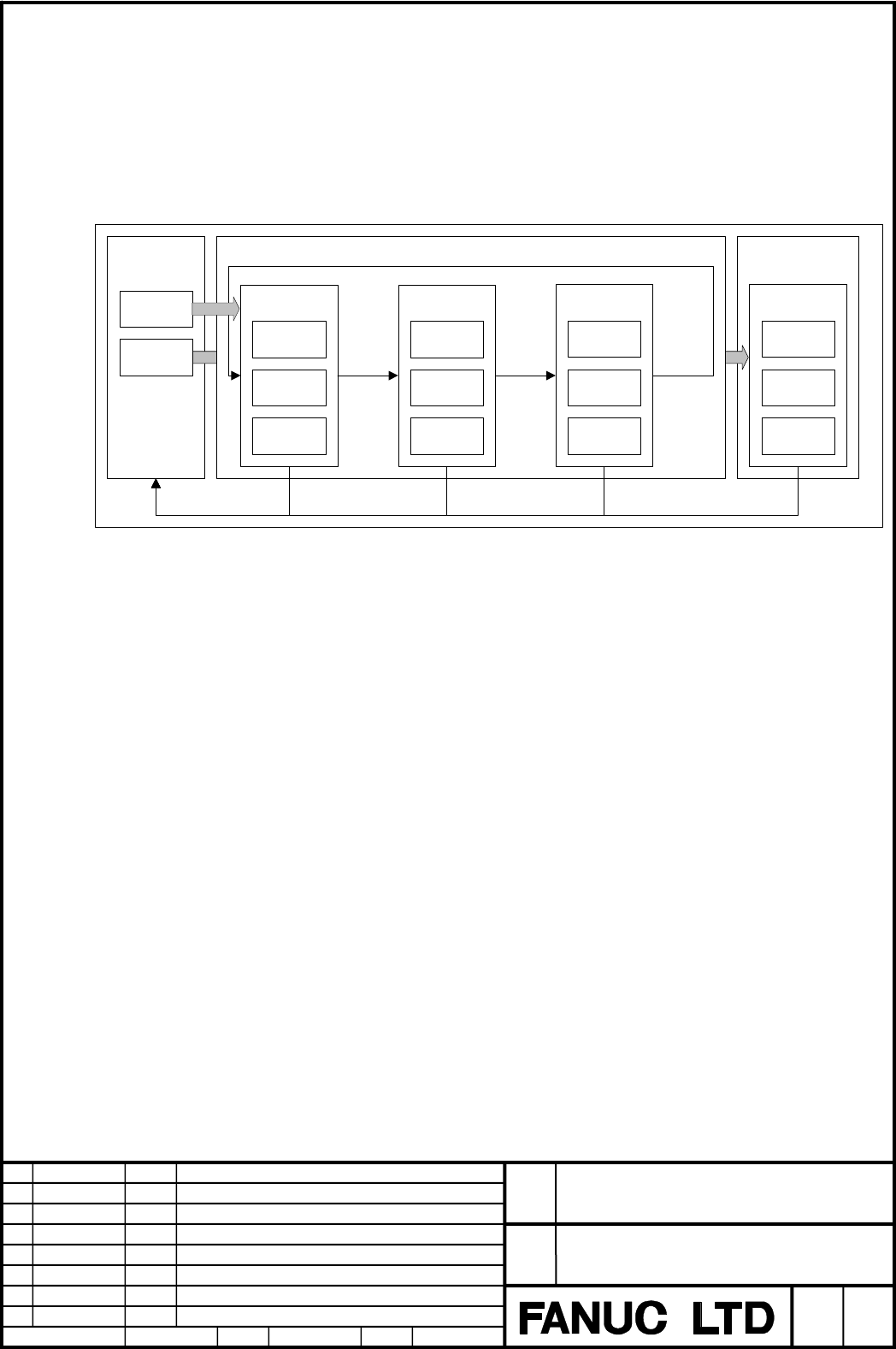
Switch sub-menu in the same sub-menu group by pressing continuing button located far
right of soft keys.
Press the return button listed far left of soft keys to return to main menu.
SubMenuGroup02MainMenu SubMenuGroup01
Menu
Button
Menu
Button
SubMenu12
Operation1
Operation2
Operation3
SubMenu13
Operation4
Operation5
Operation6
SubMenu14
Operation7
Operation8
Operation9
SubMenu15
Operation
10
Operation
11
Operation
12
return button return button return button return button
continuing
button
continuing
button
continuing
button
Fig.1.3 (b) Menu structure of horizontal soft key
BLOCK
Block is a collection of one main menu and sub-menus called out from the main menu.
Maximum of 30 blocks are possible to save to one MEM file.
Different languages and machine operation menus of machine structure can be saved or
managed on one MEM file.
On CNC, only one block in these blocks is used.
This block number is specified by parameter No.3227 (for horizontal soft key), and No.3228
(for vertical soft key).
Contents Summary of FANUC Series30i /31i /32i -MODEL A Machine Operation Menu Tool, Operator 's Manual Additional Manual
- Page 1FANUC Series 30i/31i/32i-MODEL A Machine Operation Menu Tool Operator’s Manual <TABLE OF CONTENTS> 1.1 OUTLINE ············································································· 2 1.2 ENVIRONMENT REQUIRED·················································· 3 1.3 MACHINE OPERATION MENU ·····
- Page 21.1 OUTLINE By using this tool, it defines the machine operation menu and output the defined contents as MEM file. Load the MEM file to CNC and set up by following the function specifications to use the machine operation menu. Loading MEM file Creating MEM file FANUC Series30i /31i /32i -MODEL A Tit
- Page 31.2 ENVIRONMENT REQUIRED This tool is available on the following applications. Microsoft ® Excel 2000 Microsoft ® Excel XP Microsoft ® Excel 2003 Microsoft is registered trademark of Microsoft Corporation in the United States. FANUC Series30i /31i /32i -MODEL A Title Machine Operation Menu Tool Oper
- Page 41.3 MACHINE OPERATION MENU In this page describing a definition and structure of machine operation menu. STRUCTURE OF MACHINE OPERATION MENU Structure of machine operation is different from vertical soft key and horizontal soft key. Descriptions of each soft key are as follows. 1) Vertical soft key
- Page 5Switch sub-menu in the same sub-menu group by pressing continuing button located far right of soft keys. Press the return button listed far left of soft keys to return to main menu. MainMenu SubMenuGroup01 SubMenuGroup02 Menu SubMenu12 SubMenu13 SubMenu14 SubMenu15 Button Operation Operation1 Operat
- Page 6BlockNumber MEM File Block 01 Operation Menu MainMenu SubMenu SubMenu Block 02 MainMenu SubMenu SubMenu Block xx : Fig.1.3 (c) Image of block STRUCTURE CONDITION OF MACHINE OPERATION MENU Menu, number of buttons and defining content are different from soft key type and displaying size of CNC. The co
- Page 7Following table shows the definable contents by a combination of soft key type and display size. Table 1.3 (b) Table of corresponding machine operation menu Menu Type Vertical Horizontal CNC Screen Size 10.4/15 Inch 10.4/15 Inch 7.2/8.4 Inch Main Menu Number 2 pages ※1 1 page ※2 1 page※2 Sub-Menu Nu
- Page 81.4 OPERATION Operation of this tool is explained below. 1.4.1 START UP METHOD Because this tool is distributed as Excel file, start up Excel and open a file of this tool. By opening this tool, the following screen is displayed. Fig.1.4 (a) Start up screen of machine operation menu tool FANUC Series
- Page 91.4.2 DEFINING METHOD OF MACHINE OPERATION MENU With this tool, definition input is available by 2 methods as [Definition Input of Each Menu] and [List Definition Input]. These methods of input are describing as followings. 1) Characteristic of definition input of each menu z Definition is possible
- Page 101.4.3 DEFINITION INPUT OF EACH MENU There are three types of seat in accordance with the soft key (horizontal/vertical) and the displaying size of CNC. Select the relevant sheet. Fig.1.4 (b) Definition input sheet of each menu Vertical SoftKey(10.4,15inch) Horizontal SoftKey(8.2inch) Horizontal Soft
- Page 11Followings explain the definition items to be input. 1) Block Number Select the block numbers of the machine operation menu. Block numbers should be consecutive. Blocks subsequent to the undefined block will not be output to the MEM file. 2) Menu Number Select the menu number of the machine operatio
- Page 126) State Signal Input the signal address to specify the ON/OFF state of the button. Only single byte alphanumeric character can be input. For example: R123.4 7) Char Color / Back Color Input the number between 0 and 15. 0 means black. Number 1 to 15 has the same meaning as the number on the CNC colo
- Page 131.4.4 LIST DEFINITION INPUT Select the [Data] sheet to input the list definition. Fig.1.4 (e) List definition sheet Menus are listed horizontally and button definition items are listed vertically. Data of definition input of each menu is reflected on this sheet. Also, data edited on this sheet is us
- Page 141.4.5 CREATING MEM FILE Click MEM File Save button to create the MEM file. MEMFilename Input Box Fig.1.4 (g) Menu definition sheet Input the file name of the MEM file to be created in the MEM file name input box. If the input name includes folder path, MEM file is output to the specified folder. If