FANUC Series30i/31i/32i-MODEL A, Simultaneous Displaying Axis Number Expansion Function Additional Manual Page 13
Additional Manual
FD
App
r
y
Desi
g
n
Page
Title
1
3
/
1
3
Data
Desi
g
n Description
Data
FANUC Series30i /31i /32i -MODEL A
Simultaneous displaying axis number expansion
function
AD-02002613E
05.04.08
Tanaka
Draw
No.
At power-on, the first combination of coordinate is displayed. You can change it
the second one by pushing selection chapter key to selection afte key.
When you do it again, the combination of coordinates is changed to the first one.
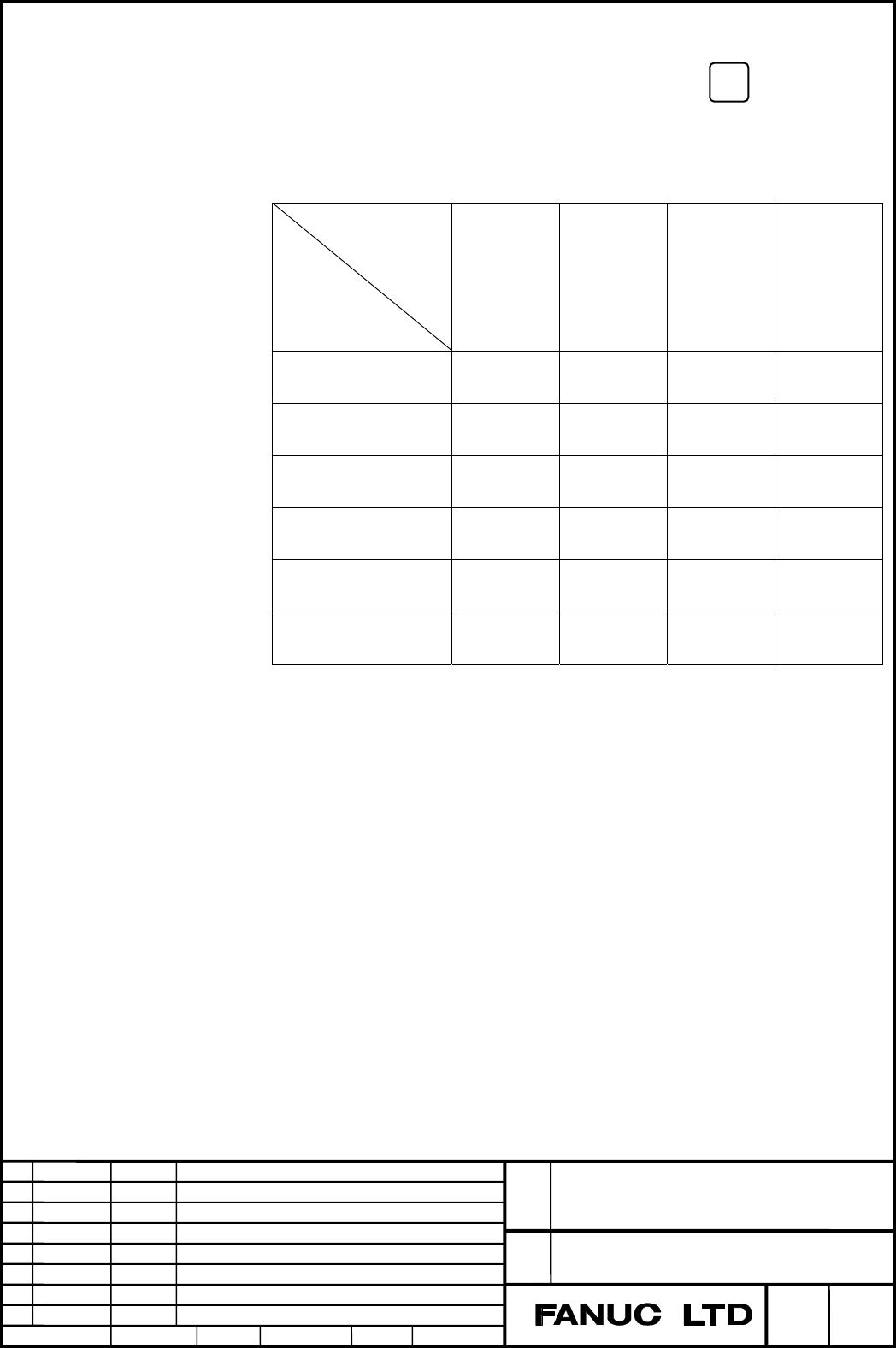
The correspondence of the order of the display and a set value of coordinates is as
follows.
Order of displaying
coordinates
Setting Value
1 2 3 4
0
Relative
coordinates
Absolute
coordinates
Machine
coordinates
Distance
to go
1
Relative
coordinates
Machine
coordinates
Absolute
coordinates
Distance
to go
2
Relative
coordinates
Distance
to go
Absolute
coordinates
Machine
coordinates
3
Absolute
coordinates
Machine
coordinates
Relative
coordinates
Distance
to go
4
Absolute
coordinates
Distance
to go
Relative
coordinates
Machine
coordinates
5
Machine
coordinates
Distance
to go
Relative
coordinates
Absolute
coordinates
When a values not within the valid data range is set, the specification of 0 is
assumed.
When simultaneous display of multiple path is effect (PrmNo.13131≠0,
PrmNo.13132≧1), this parameter is ineffective.
SHIFT
Contents Summary of FANUC Series30i/31i/32i-MODEL A, Simultaneous Displaying Axis Number Expansion Function Additional Manual
- Page 1FANUC Series30i/31i/32i-MODEL A Simultaneous displaying axis number expansion function CONTENTS 1.1 simultaneous displaying axis number expansion function ············· 2 General·················································································································· 2 Detai
- Page 21.1 SIMULTANEOUS DISPLAYING AXIS NUMBER EXPANSION FUNCTION General The number of axis data “current position “ and “Distance to go” that are displayed on the same screen can be expanded up to 20. Details In initial setting, the maximum number of simultaneous displaying axis of carrent position is fo
- Page 3Fig. 1.1 (a) Example when carrent position coordinates for 13 axes are displayed by number of maximum each axes. FANUC Series30i /31i /32i -MODEL A Title Simultaneous displaying axis number expansion function Draw AD-02002613E No. FD Data Design Description Page 3/13 Data 05.04.08 Design Tanaka Appr
- Page 4When the max number of simultaneous displaying axes is 5. The max number of simultaneous displaying axis becomes 5 by setting 0 to parameter No. 11305. When the number of axes exceeds 5, by pressing the chapter selection soft key, axes for the 6th axis and up are displayed. Fig. 1.1 (b) Carrent posi
- Page 5When the max number of simultaneous displaying axes is 10. The max number of simultaneous displaying axis becomes 10 by setting 1 to parameter No. 11305. When the number of axes exceeds 10, by pressing the chapter selection soft key, axes for the 11th axis and up are displayed. Fig. 1.1 (d) Carrent
- Page 6When the max number of simultaneous displaying axes is 20. The max number of simultaneous displaying axis becomes 20 by setting 2 to parameter No. 11305. When the number of axes exceeds 20, by pressing the chapter selection soft key, axes for the 21th axis and up are displayed. For 10.4 inch, absolu
- Page 7Fig. 1.1 (h) Carrent position display of 15 inch(overall) FANUC Series30i /31i /32i -MODEL A Title Simultaneous displaying axis number expansion function Draw AD-02002613E No. FD Data Design Description Page 7/13 Data 05.04.08 Design Tanaka Appry
- Page 8Addition of the chapter selection key in 15 inch The chapter selection key of "Absolute" and "Relative" is added setting 1 or 2 to parameter No. 11305. When you push the chapter selection key of "Absolute", absolute coordinate is displayed by the character of 6 times size. When you push the chapter
- Page 9Change of display coordinates When the max number of simultaneous displaying axes is 20 (Parameter No.11305=2), Coordinates displayed in the position display of each screen at the same time are two pairs. The combination of two coordinates is decided by setting the order of displaying four coordinat
- Page 10(Example)The workpiece coordinate system setting screen of 15 inch. The max number of simultaneous displaying axes is 20. Fig. 1.1 (l) Display change example in 15 inch. FANUC Series30i /31i /32i -MODEL A Title Simultaneous displaying axis number expansion function Draw AD-02002613E No. FD Data Desi
- Page 11About the function for which this function is effective This function is effective to positional coordinate screen concerning the following functions. ・ Handle interruption ・ Program restart ・ Hypothetical axis ・ Operating monitor display This function is ineffective to positional coordinate screen
- Page 121.2 PARAMETER 11305 Max number of simultaneous displaying axes NOTE When this parameter is set, the power must be turned off before operation is continued. [Input type] Parameter input [Data type] Byte path [Valid data range] 0 to 2 the max number of simultaneous displaying axes can be selected from
- Page 13At power-on, the first combination of coordinate is displayed. You can change it SHIFT the second one by pushing selection chapter key to selection afte key. When you do it again, the combination of coordinates is changed to the first one. The correspondence of the order of the display and a set val