FANUC Series 16i/18i/21i-B Simplified Chinese Additional Manual Page 3
Additional Manual
3
Edit
Apprv
Desig.
Sheet
Title
Draw
No.
/
6
Date
Desig
Description
Dat
e
FANUC Series16
i
/18
i
/21
i
-B
Simplified Chinese
A
-
76584E
2003.11.07
S.Isohata
02
2005.05.26
SAITO
The head of MACRO ALARM was added
1. Simplified Chinese display by conversation macro
1.1
Outline
The thing to display a Simplified Chinese can be done in the
conversation macro. Moreover, it is also possible to use half-size
character of a Simplified Chinese and a part of ascii code at the
same time by a command once.
The code which can be specified is a half-size character code of
20H-5FH.
1.2 Specification
Though the display command of a Simplified Chinese is done
with G243 (character display command) as well as the
character display command in the past; It is necessary to
change to the Simplified Chinese display mode before this
command is done by the following commands.
G240 Kk ; k=1 : Simplified Chinese display mode on
k=0 : Simplified Chinese display mode off
An international code of Simplified Chinese is specified by
the G243 instruction after it instructs in this G code and the
character is displayed.
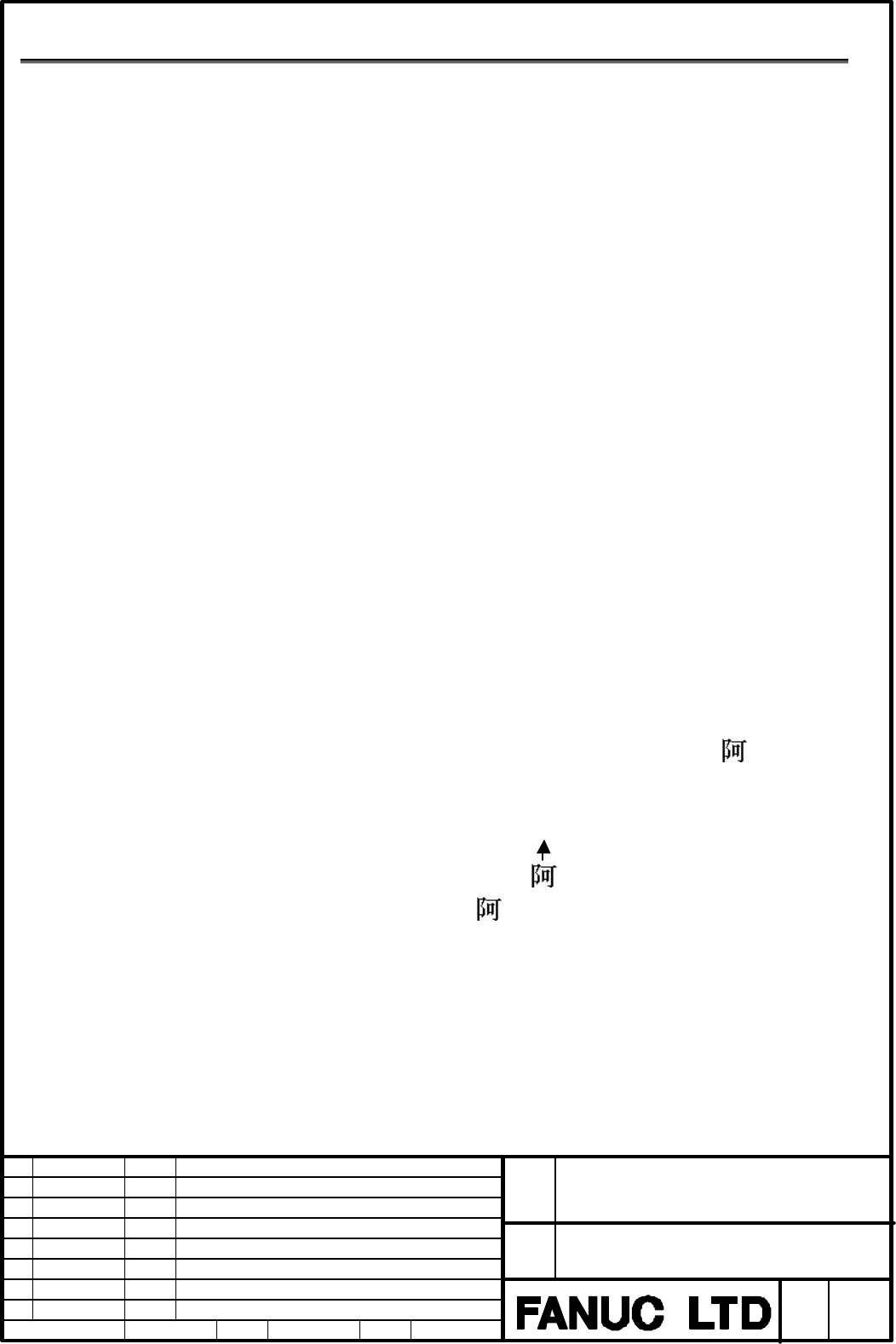
Example1) When you display Simplified Chinese “ “.
G243 K1;
G243 X10. Y10. (“B0A2”);
Simplified Chinese " " is displayed at the position of character
coordinate system (10,10) when instructing.
Contents Summary of FANUC Series 16i/18i/21i-B Simplified Chinese Additional Manual
- Page 1FANUC Series 16i / 18 i / 21 i -B Specification Simplified Chinese Title FANUC Series16i /18i/21i -B Simplified Chinese Draw No. A-76584E 02 2005.05.26 SAITO The head of MACRO ALARM was added Edit Date Desig Description Sheet 1/ 6 Date 2003.11.07 Desig. S.Isohata Apprv
- Page 2FANUC Series 16 i /18 i/21 i -B Specification Simplified Chinese Contents 1. Simplified Chinese display by conversation macro 3 1.1. Outline 3 1.2. Specification 3 2. Simplified Chinese display in macro alarm 5 1.1. Outline 5 1.2. Specification 5 3. Notes 6 Title FANUC Series16i /18i/21i -B Simplifi
- Page 31. Simplified Chinese display by conversation macro 1.1 Outline The thing to display a Simplified Chinese can be done in the conversation macro. Moreover, it is also possible to use half-size character of a Simplified Chinese and a part of ascii code at the same time by a command once. The code whic
- Page 4Example2) When instructing in a Simplified Chinese and half-size character at the same time. G240 K1; G243 X10. Y10. (ABC) (“B0A2”) ( ) (“D7D6”); ABC S P A C E ( half-size) It is displayed at the position of character coordinate system (10,10) as follows when instructing like this. Simplified Chines
- Page 52. Simplified Chinese display in macro alarm 2.1. Outline When the macro alarm message of system variable #3000 is displayed, the thing to display Simplified Chinese can be done. Moreover, it is also possible to use Simplified Chinese and a part of ASCII code half-size character at the same time by
- Page 63. Notes When a Simplified Chinese is not selected in the display mode on the NC system side as for this function, a Simplified Chinese cannot be displayed even if DISPLAY specification of a Simplified Chinese character-code is done in the conversation macro. Title FANUC Series16i /18i/21i -B Simpli