FANUC Series 16/160i-LA/LB Automatic Aging Function Setting Screen, Specification Additional Manual Page 5
Additional Manual
Edit Date Design Contents
Title
of
Drawin
Drawing
No.
FANUC Series 16/160i-LA/LB
Automatic aging function setting screen
Specification
A-79279E
Page
5 / 7
Recog
nition
Newly designed
Suzuki
Tokito
04.01.05 01
Item #1 corrected.
Suzuki
Tokito
04.09.29 03
A
ll revised.
Suzuki
Tokito
05.03.25 04
Name CAL. TIME
Meaning Calibration time for aging function.
Parameter
No.15329
Setting range
0~32767
Name GAS PRESS. (50Hz)
Meaning Laser gas pressure for aging function (50Hz).
Parameter
No.15330
Setting range
0~32767
Name GAS PRESS. (60Hz)
Meaning Laser gas pressure for aging function (60Hz).
Parameter
No.15331
Setting range
0~32767
Name INTERVAL
Meaning Interval time of laser oscillator that aging function must be executed.
Parameter
No.15339
Setting range
0~32767(effective range 30 ~120)
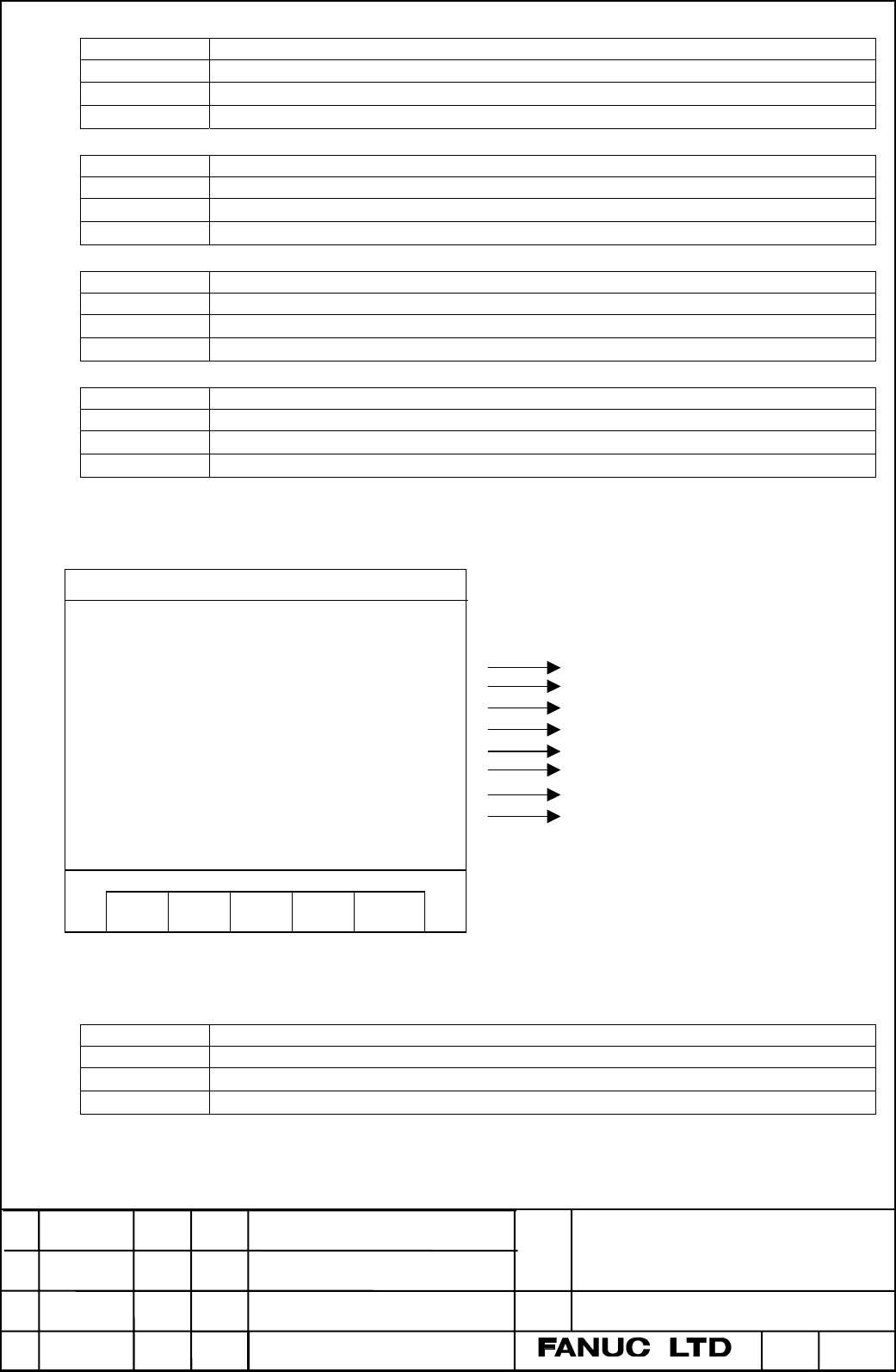
The items displayed in page 3 are shown as follows. A setting range in the following explanation is a
setting range to input on this screen.
Name CALIB. (0:OFF,1:ON)
Meaning You can set whether power calibration is available or not.
Parameter
No.15000#4
Setting value
0or1
Page 3
No.15000#4
No.15200
No.15201
No.15321
No.15322
No.15205
No.15242
No.15243
Parameter Number
AGING FUNCTION
[POWER CALIBRATION]
CALIB.(0:OFF,1:ON) = *
POWER(HALF) = *** W
POWER(ALL) = **** W
FREQUENCY = **** HZ
DUTY = **** %
CAL. TIME = **** S
GAS PRESS.(50Hz) = *****
GAS PRESS.(60Hz) = *****
#
1
Contents Summary of FANUC Series 16/160i-LA/LB Automatic Aging Function Setting Screen, Specification Additional Manual
- Page 1FANUC Series 16/160i-LA/LB Automatic aging function setting screen Specifications 04 05.03.25 Tokito Suzuki All revised. Title FANUC Series 16/160i-LA/LB of Automatic aging function setting screen 03 04.09.29 Tokito Suzuki Item #1 corrected. Drawin Specification Drawing 01 04.01.05 Tokito Suzuki New
- Page 21. Outline A setting screen has been added, which can show all the setting values for automatic aging function. You can see and change all the setting values for aging function and power calibration in this new setting screen. 2. Specification This setting screen consists of three pages. Page 1 and
- Page 3The items displayed in page 1 are shown as follows. A setting range in the following explanation is a setting range to input on this screen. Name AGING (0:OFF, 1:ON) Meaning You can set whether automatic aging function is available or not. Parameter No.15008#6 Setting value 0 or 1 Name REMAINING CYC
- Page 4This setting is determined by timing of RUN-ON. Thus the action of aging function does not change if this setting is changed when aging function is executed. Parameter - Setting value 0 or 1 Name SET MANUAL TIMES Meaning You can set the aging execution times when you start the aging function by manu
- Page 5Name CAL. TIME Meaning Calibration time for aging function. Parameter No.15329 Setting range 0~32767 Name GAS PRESS. (50Hz) Meaning Laser gas pressure for aging function (50Hz). Parameter No.15330 Setting range 0~32767 Name GAS PRESS. (60Hz) Meaning Laser gas pressure for aging function (60Hz). Para
- Page 6Name POWER(HALF) Meaning Laser power command for power calibration in case of using half of discharge tubes. Parameter No.15200 Setting range 0~9999 Name POWER(ALL) Meaning Laser power command for power calibration in case of using all of discharge tubes. Parameter No.15201 Setting range 0~9999 Name
- Page 72.4. A method which makes manual aging stop When aging function starts up, the setting values of gas pressure and laser output conditions are renewed automatically. If you want to stop aging function during aging function is executed and want to execute usual start up sequence, see as follows. Both