FANUC Series 16/160-L Automatic Leak Check Function, Specifications Additional Manual Page 6
Additional Manual
Edit
Reco
g
nition
6/9
Date
Desi
g
n
FANUC Series 16i/160i –L
Automatic leak check function
Specifications
A-78037E
00.03.17
K.Suzuki
Contents
Date
Design
M.Sato
Title
of
Drawing
Drawing
No
Page
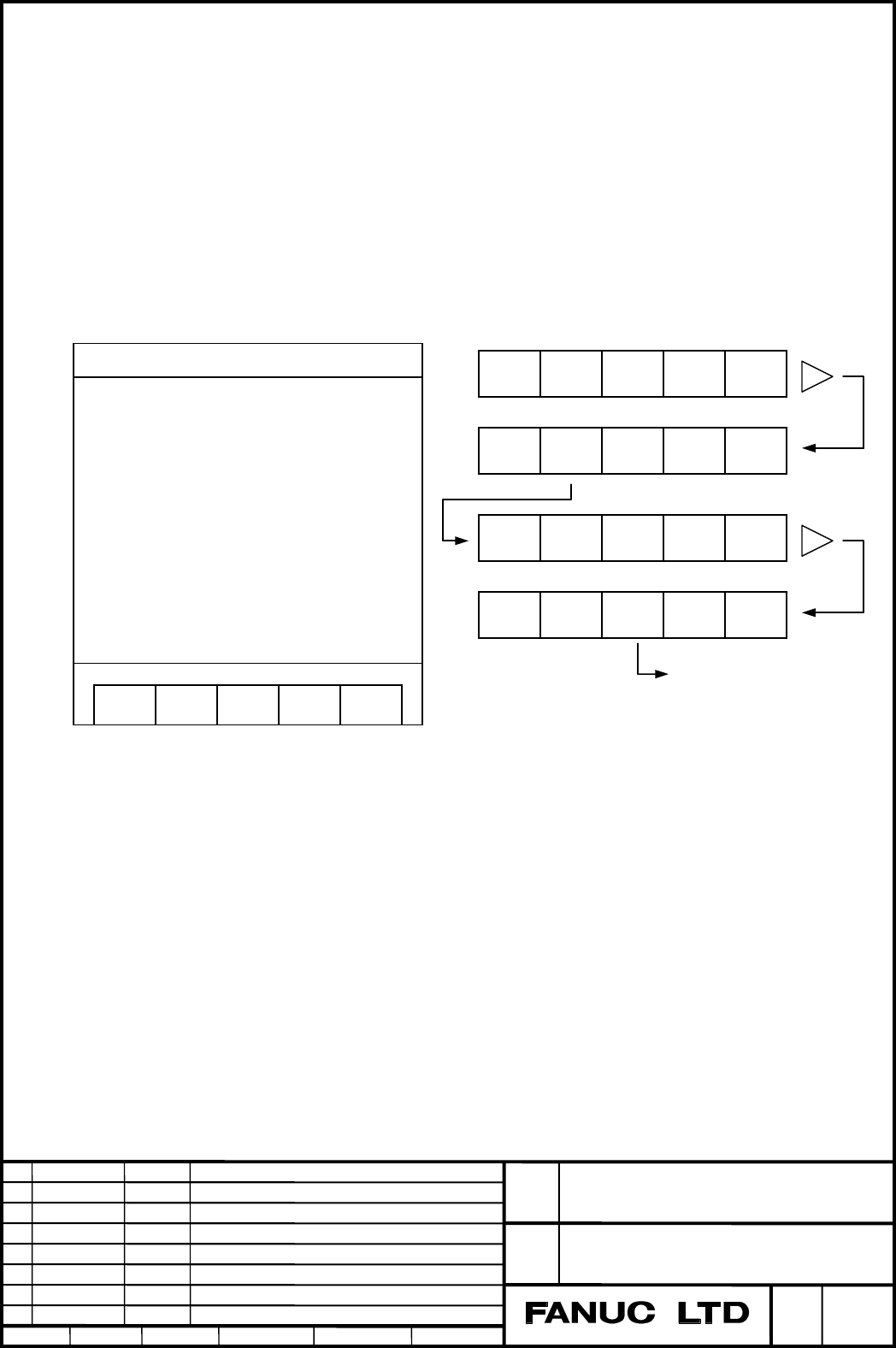
2.2.2. How to display Leak check screen
This screen is displayed according to the following order.
(1) Set parameter MNT (PRM No.15160#0) to "1".
(2) Push the MDI key "OFFSET" several times, and the laser screen is displayed.
(3) Push the right edge soft key (continuance menu key), and the page is changed.
(4) Push soft key "MAINT.", and the screen related to the laser maintenance is displayed.
(5) Push the right edge soft key (continuance menu key), and the page is changed.
(6) Push soft key "LEAK", and Leak check screen is displayed.
POWER SET DATA 3D.TRN
STATUS MAINT.
PWR FB PWS TC LEAK TUNE
Leak check screen
PW.OFS ACT.TM DISCH. L ALM
Transition chart of soft key
LEAK CHECK
LEAK CHECK (1:ON 0:OFF) [*]
LEAK JUDGEMENT TIME [*****]SEC
STATUS GAS PRESSURE CHECK *
TIME REQUIRED ****** SEC
RESULT
1ST **** TORR **** KPA
2ND **** TORR **** KPA
3RD **** TORR **** KPA
4TH **** TORR **** KPA
AUTO
Example of displaying screen
06 03.10.14
M.Sato This
p
a
g
e is added.
Contents Summary of FANUC Series 16/160-L Automatic Leak Check Function, Specifications Additional Manual
- Page 1FANUC Series16/160-L Automatic leak check function Specifications Title FANUC Series 16i/160i –L of Automatic leak check function Drawing Specifications Drawing No A-78037E 07 05.02.21 M.Sato Page 8 is changed. 06 03.10.14 M.Sato Page 5,6 are added. Page 7,8 are changed. K.Suzuki Design Contents 1/9
- Page 21. Outline The following actions work to check gas leak of laser resonator. i) All valves of laser oscillator are automatically shut. ii) Gas pressure in discharge tubes is measured and logged at regular intervals. iii) The data can be referred on diagnose screen or leak check screen. iv) This funct
- Page 3iii) CNC measures Laser gas pressure at regular intervals after all valves closed and logs the data from DGN954 to DGN957 as diagnose information. The first data is logged when 30 seconds has passed after all valves closed. After that the pressure data are logged 3 times at 1/3 Leak judgement time (
- Page 4Leak check mode Gas pressure Leak judgement time PRM.15154 TLJ=3Ts(sec) PRM15256 30(sec) Ts(sec) Ts(sec) Ts(sec) +75(sec) PRM15240 t RUN ON RUN OFF AVCL=1 AP=1 Pchk1 Pchk2 Pchk3 Pchk4 (DGN954) (DGN955) (DGN956) (DGN957) Fig. 2 Sampling of gas pressure Purge completion (AP=1) Leak check mode (LCKMD=1
- Page 52.2. Leak check screen By using this screen, necessary parameters to use the Automatic leak check function can be set. Moreover, the result of leak check can be confirmed. Switching off Run signal (G222 #6:RUN) after setting the parameters on this screen can start Automatic leak check function. 2.2.
- Page 62.2.2. How to display Leak check screen This screen is displayed according to the following order. (1) Set parameter MNT (PRM No.15160#0) to "1". (2) Push the MDI key "OFFSET" several times, and the laser screen is displayed. (3) Push the right edge soft key (continuance menu key), and the page is c
- Page 73. Parameters #7 #6 #5 #4 #3 #2 #1 #0 15153 LCK Data type : Bit type LCK 0 : Automatic leak check function is disabled. 1 : Automatic leak check function is enabled 15154 Leak judgement time Data type : Word type Data unit : Second Data range : 3 - 65535 The time for keeping laser gas pressure with
- Page 85. Diagnoses 954 Gas pressure in leak check mode 1st (Pchk1) 955 Gas pressure in leak check mode 2nd (Pchk2) 956 Gas pressure in leak check mode 3rd (Pchk3) 957 Gas pressure in leak check mode 4th (Pchk4) Laser gas pressure is logged in DGN954 at 30 seconds passed since all valves shut. And from DGN
- Page 9Supplement ) Flow chart Sequence 11 ENTRY Leak check ENTRY Turbo-blower OFF Gas pressure control OFF DGN954 - DGN957 clear YES All valves OFF Alarm 4094 Vacuum pump abnormal? AVCL=ON NO Vacuum pump stop Laser seq. num.(DGN908)=51 75sec WAIT 30sec WAIT NO LCKON=ON or LCK=1 ? Gas pressure logging 1st